
Documents and information to collect
Keep the challan or notice, any testing or medical paperwork you received, vehicle registration details, and hearing or court dates if they were given.
Drunk Driving workflow
A drunk-driving (drink-and-drive) matter in India typically involves a traffic stop or challan, testing or notice papers, and later process before a traffic or magistrate forum. Collect the challan or notice, any testing paperwork you were given, vehicle details, and hearing dates if you have them. LawGPT’s Drunk Driving workflow organises those facts and helps you generate a representation to authorities, a court representation draft, a case summary, and an evidence analysis view you can edit.
Plays inside LawGPT · no YouTube redirect
The problem
After a drink-and-drive allegation, people need a clear file more than a list of statutory numbers. This page does not list blood-alcohol thresholds, fines, or imprisonment terms. Those depend on the applicable law and the facts of the stop.
Keep the challan or notice, any testing or medical paperwork you received, vehicle registration details, and hearing or court dates if they were given.
Stop details, notices, and timelines are often split across papers and messages. Putting them in one workspace makes later drafts easier to check.
Generic templates miss the stop, the notice, and the vehicle. The workflow reuses the facts you enter in representation drafts and the evidence view.
Why LawGPT
You answer guided questions about the alleged offence, confirm a case summary, upload notices and related papers, generate representation drafts, optionally request lawyer review, and download a package of those materials.
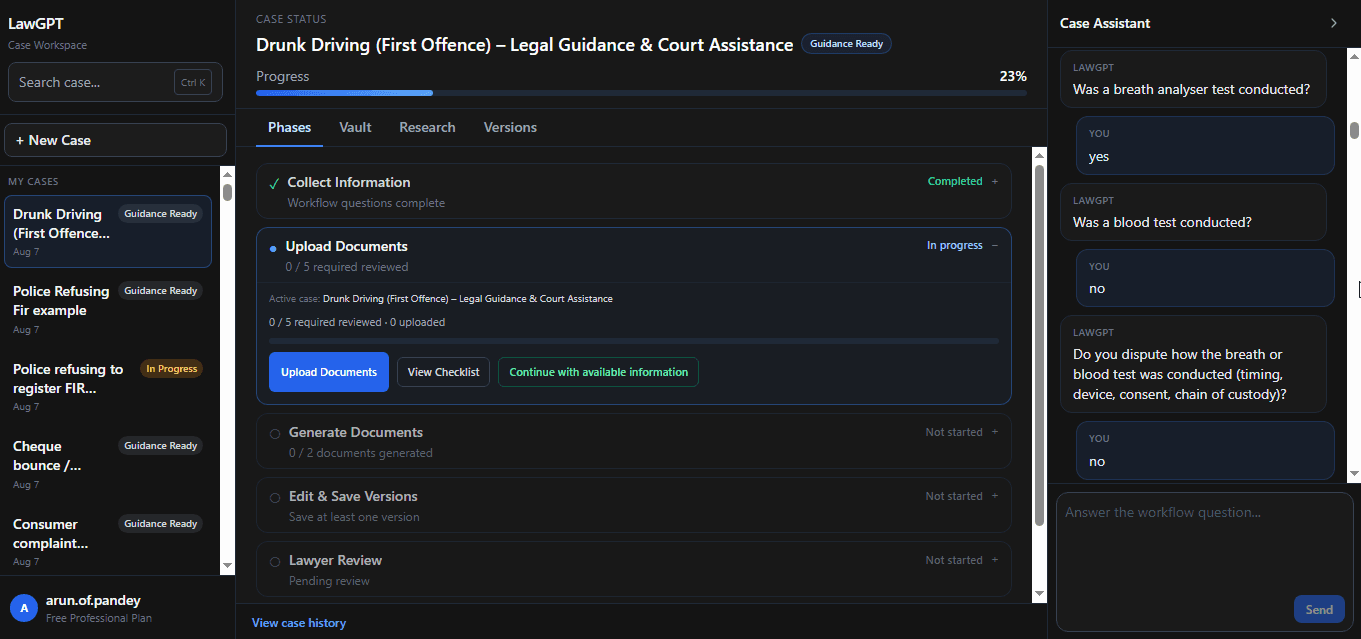
Answer focused questions about the stop, alleged offence, and evidence—so the case is structured from the start.
Generate representation drafts and defense-oriented documents tailored to the facts you provide.
Hand the package to lawyer review when you want professional judgment on top of AI drafts.
Download generated documents, versions, and supporting materials in one organized package.
Interactive preview
Step through real LawGPT screens—from guided questions to downloading the filing package.
1 · Questions
Case Assistant collects the facts that matter for defense prep and next steps.
Outputs
This workflow currently generates a Representation to Authorities, a Court Representation draft, a Case Summary, and an Evidence Analysis view. You can edit and version them. They are not automatically court-valid or lawyer-approved unless you use Lawyer Review+ on selected materials.
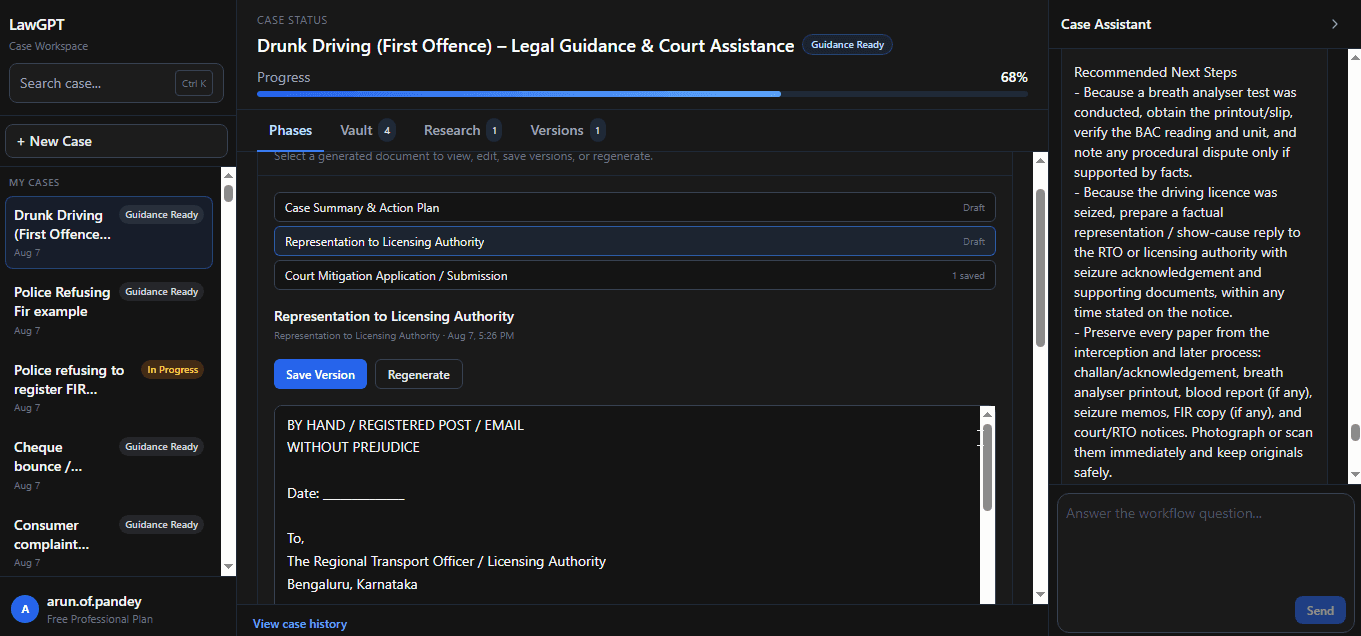
A formal representation capturing case facts and the position you are advancing.
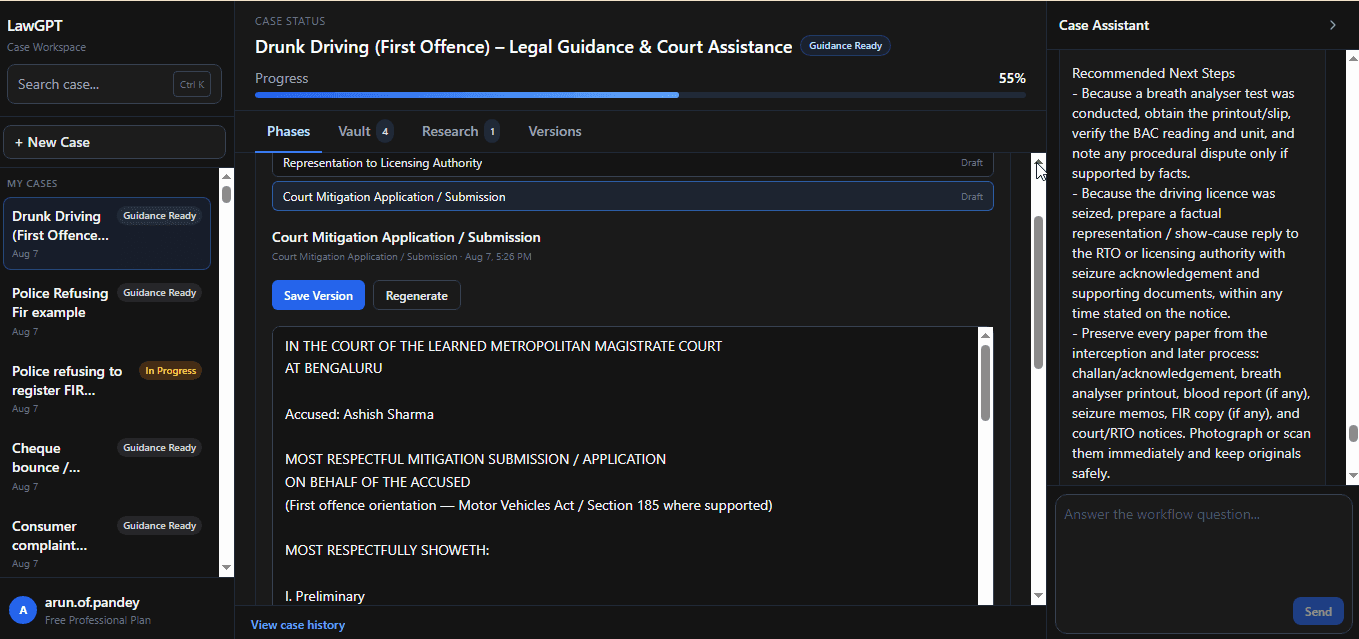
A court-facing draft aligned to your case summary and procedural facts.
A structured summary of parties, alleged offence, and key facts used across the workflow.
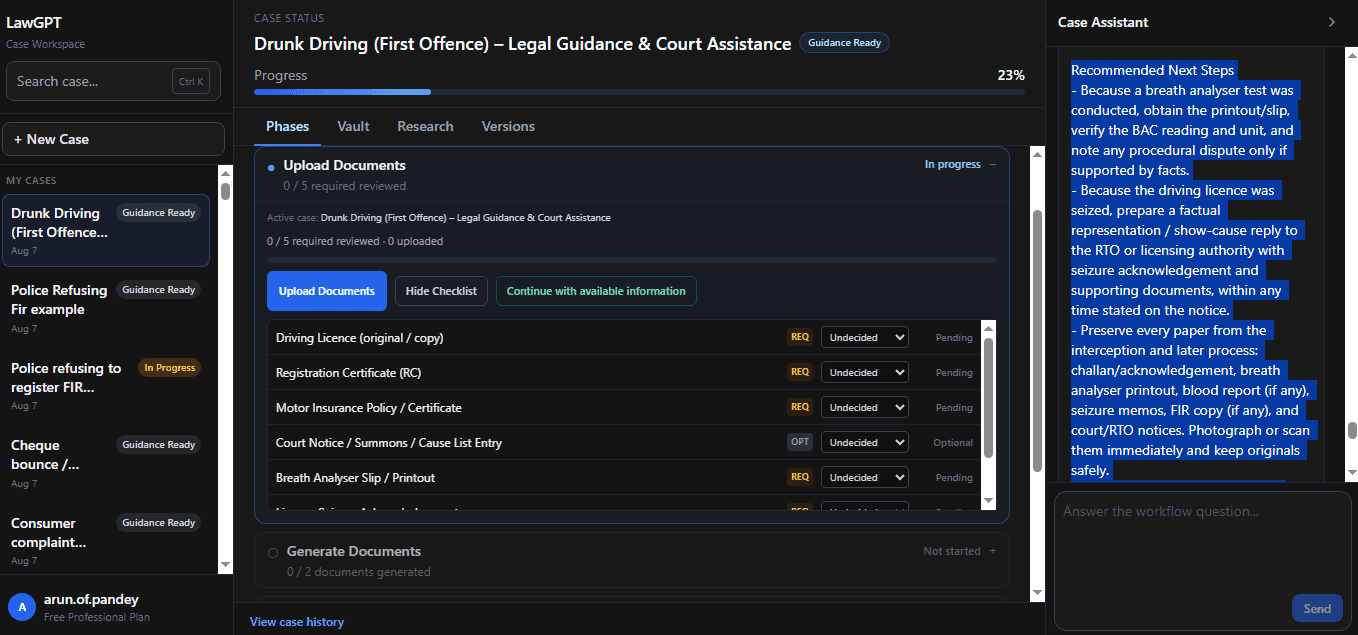
Organized evidence review so gaps and next steps are visible before filing.
Timeline
A clear sequence designed like software—not a maze of disconnected forms.
Complete intake with Case Assistant in the workspace.
Review structured facts before generating documents.
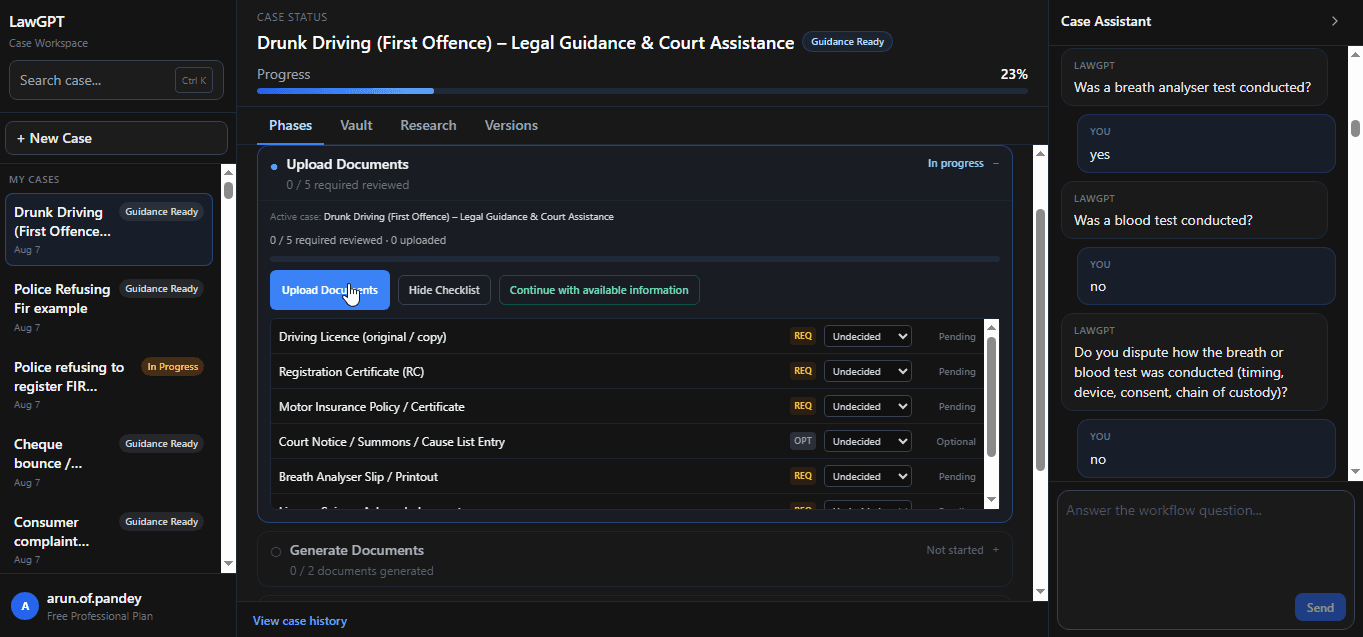
Add notices, reports, and supporting documents.
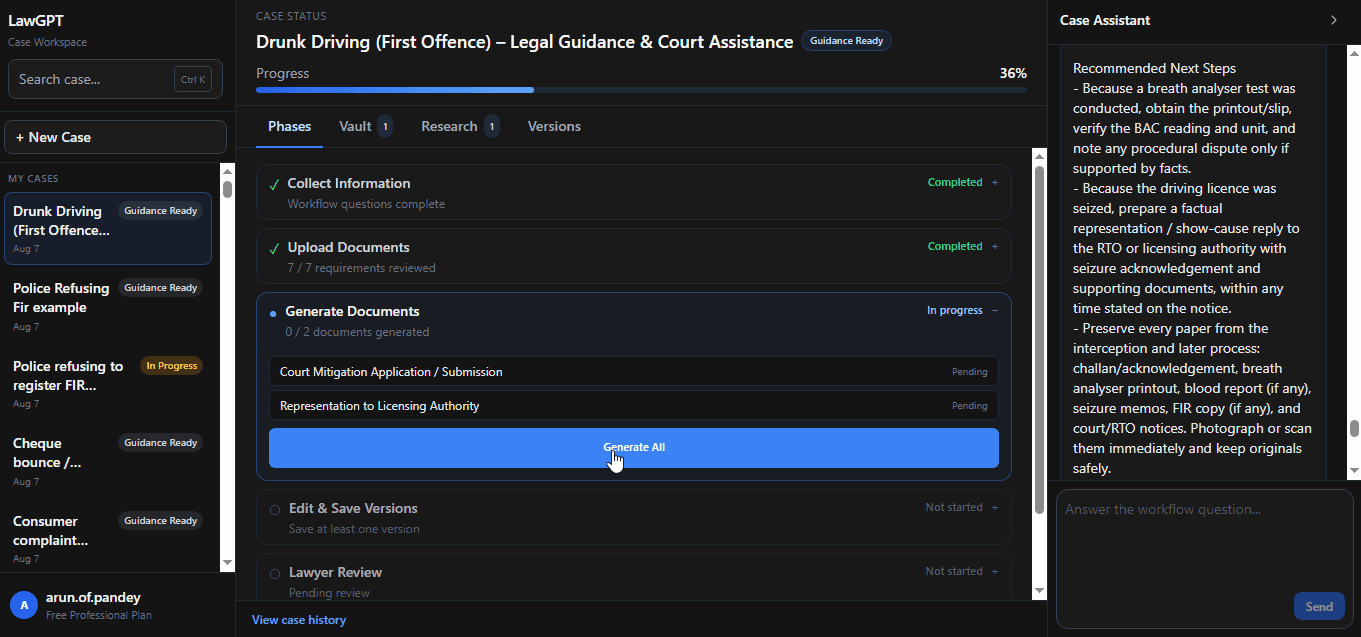
Produce representation drafts from your structured facts.
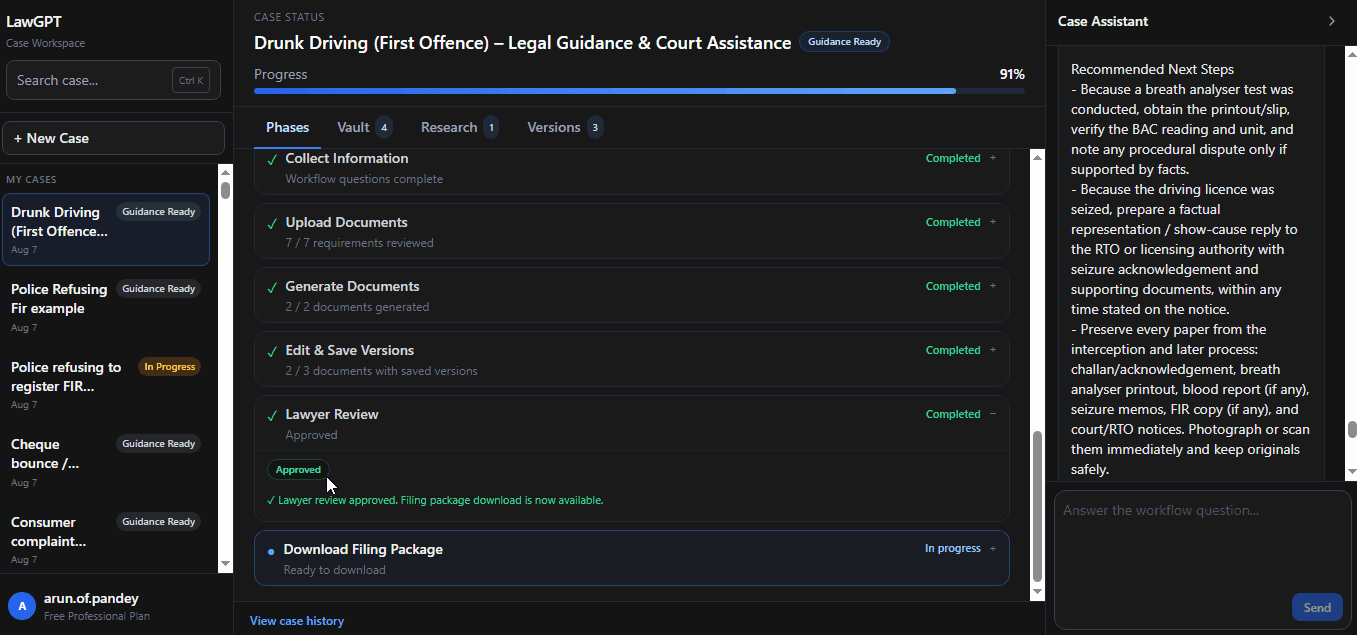
Optionally request professional edits and approval.
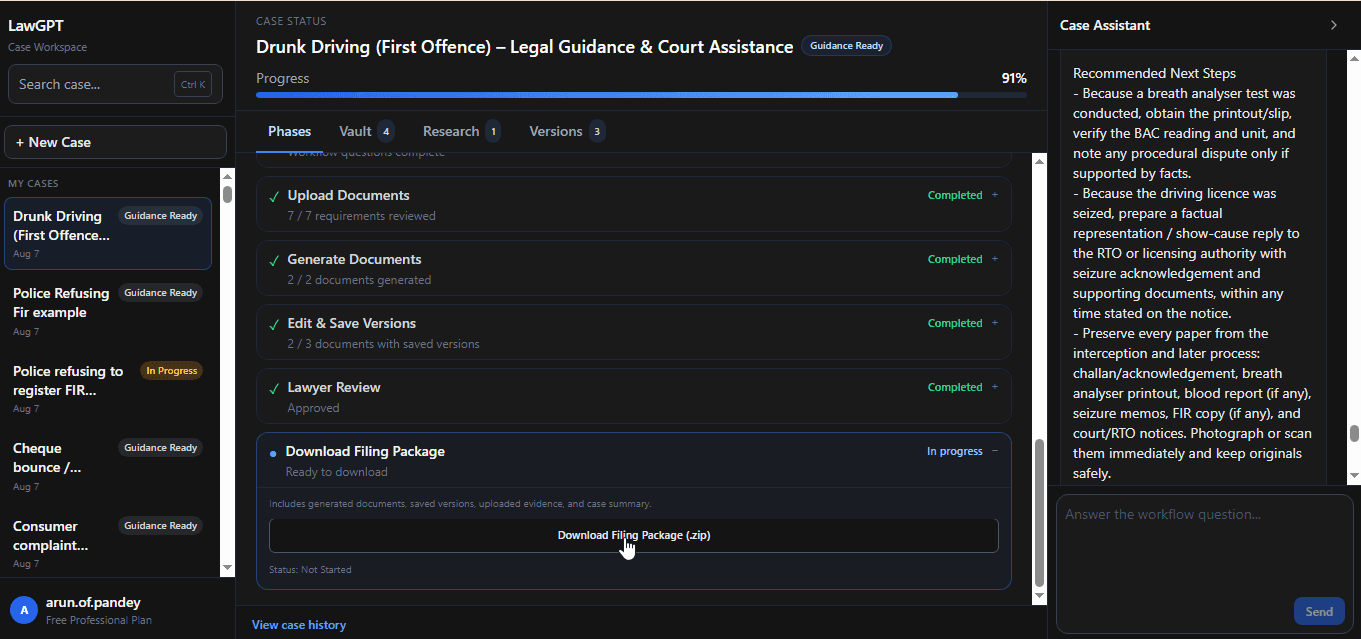
Export a complete filing-ready package.
Authorities involved
Drunk Driving workflows are structured with the forums commonly involved in traffic and related offences.
Authority
Forum that commonly hears drink-and-drive and related traffic matters.
Authority
Judicial forum for certain offences and procedural steps depending on facts.
Authority
Investigating and enforcing authorities that may issue notices or produce records.
Real product screens
Every image below is from the live Drunk Driving workflow inside LawGPT.
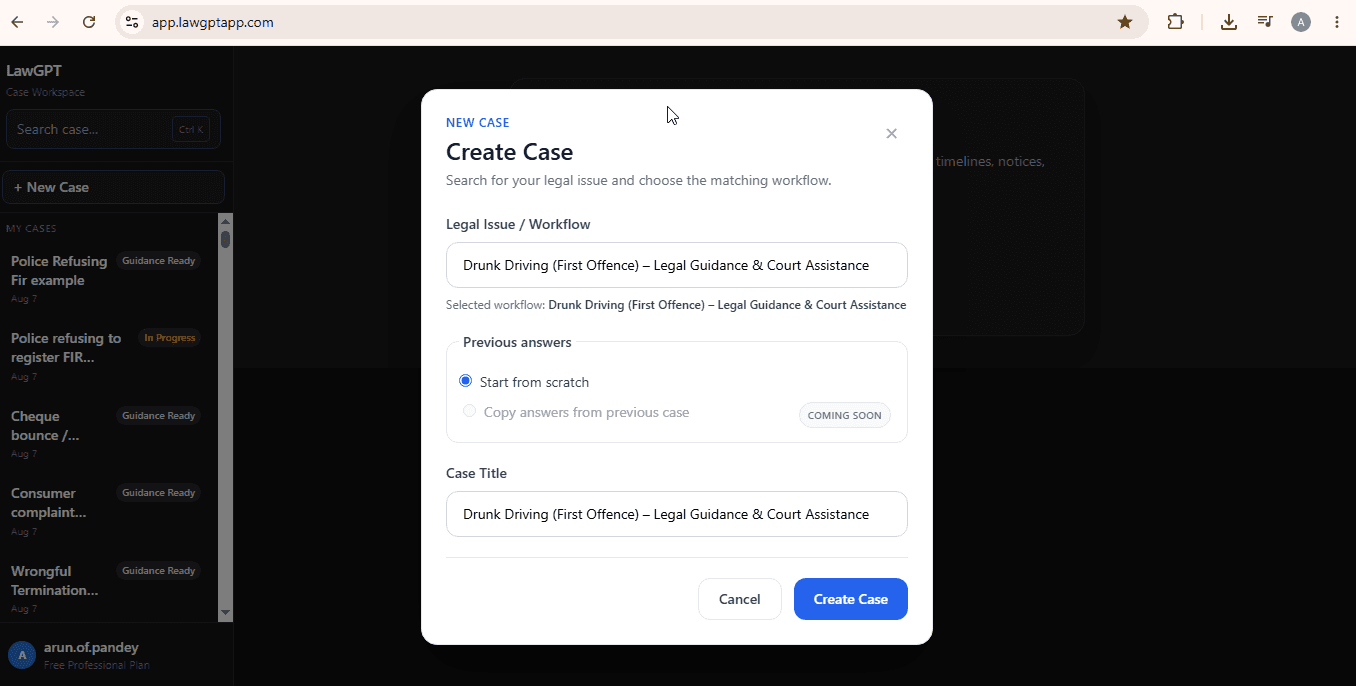
Dashboard
Start and manage drunk driving matters from one dashboard.
Chat
Collect offence and procedure facts through Case Assistant.
Evidence
Review uploaded materials before drafting.
Documents
Produce representation documents from your answers.
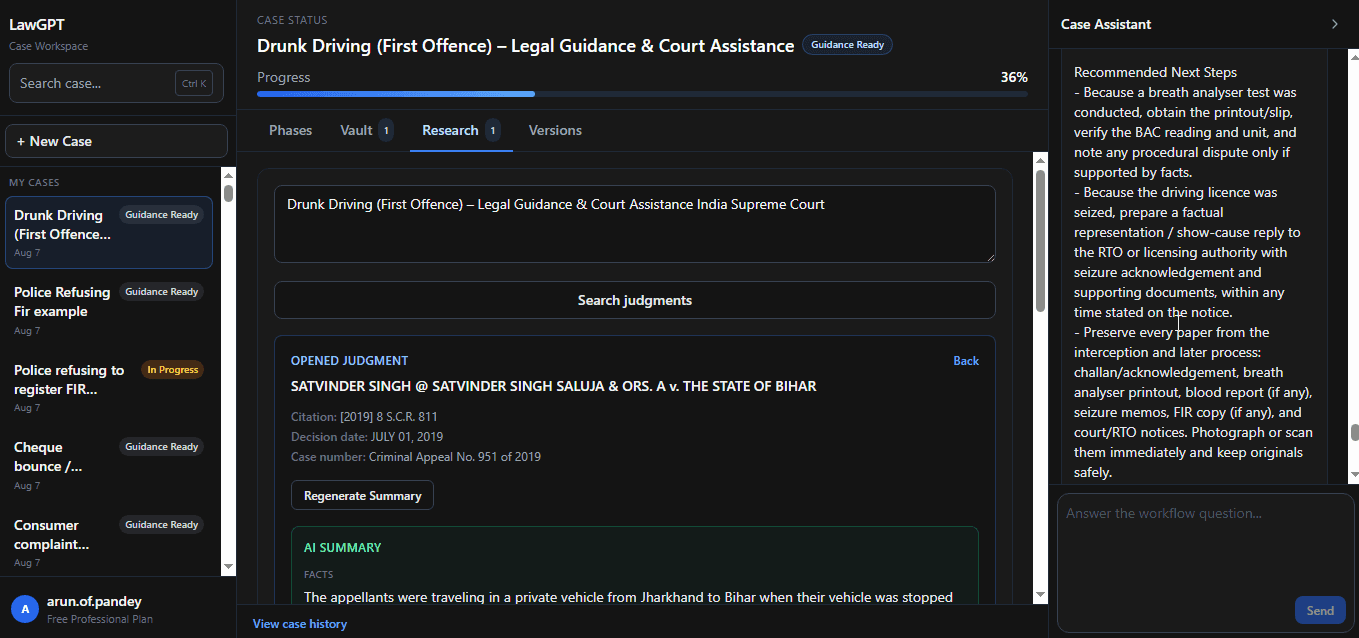
Research
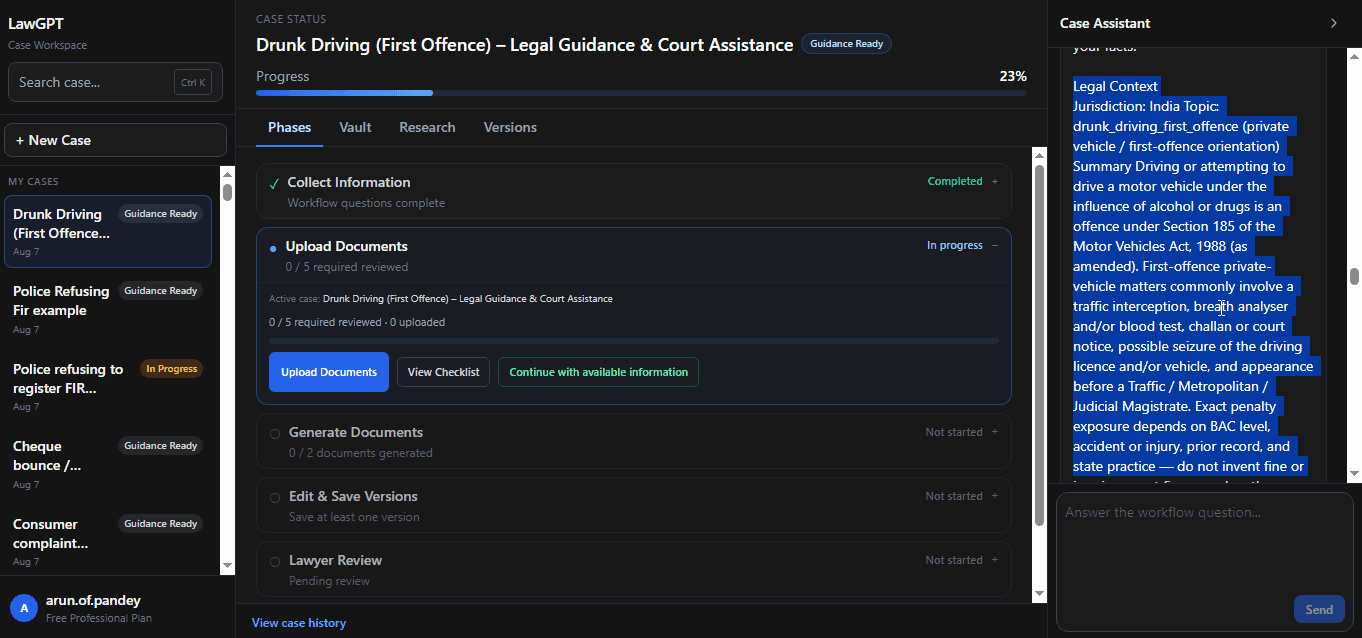
Context and next steps linked to your case.
Package
Download the complete package when ready.
Product screens
Explore every major product screen—from guided questions to filing package. Demo video plays in the hero above.
Dashboard
Start from the LawGPT dashboard and open your matter.
FAQ
Straight answers about this workflow before you start.
It typically involves a traffic stop or challan, testing or notice papers, vehicle details, and later process before a traffic or magistrate forum. The exact path depends on the facts. This page does not list statutory alcohol limits, fines, or jail terms.
Related legal guides
Practical guides that pair with this workflow—then return to the platform when you are ready to act.
Related reading: Legal AI in India
Ready to begin
Answer guided questions, generate lawyer-grade documents, and leave with a package you can review, refine, and file.